Your phone and your Mac, finally linked.
Sync your clipboard both ways, lock your Mac from your phone, and let it lock itself when you walk away — over your Wi-Fi, or through a relay you host yourself. Like “Link to Windows”, but yours.
macOS menu-bar app + Android app · pair once with a QR code
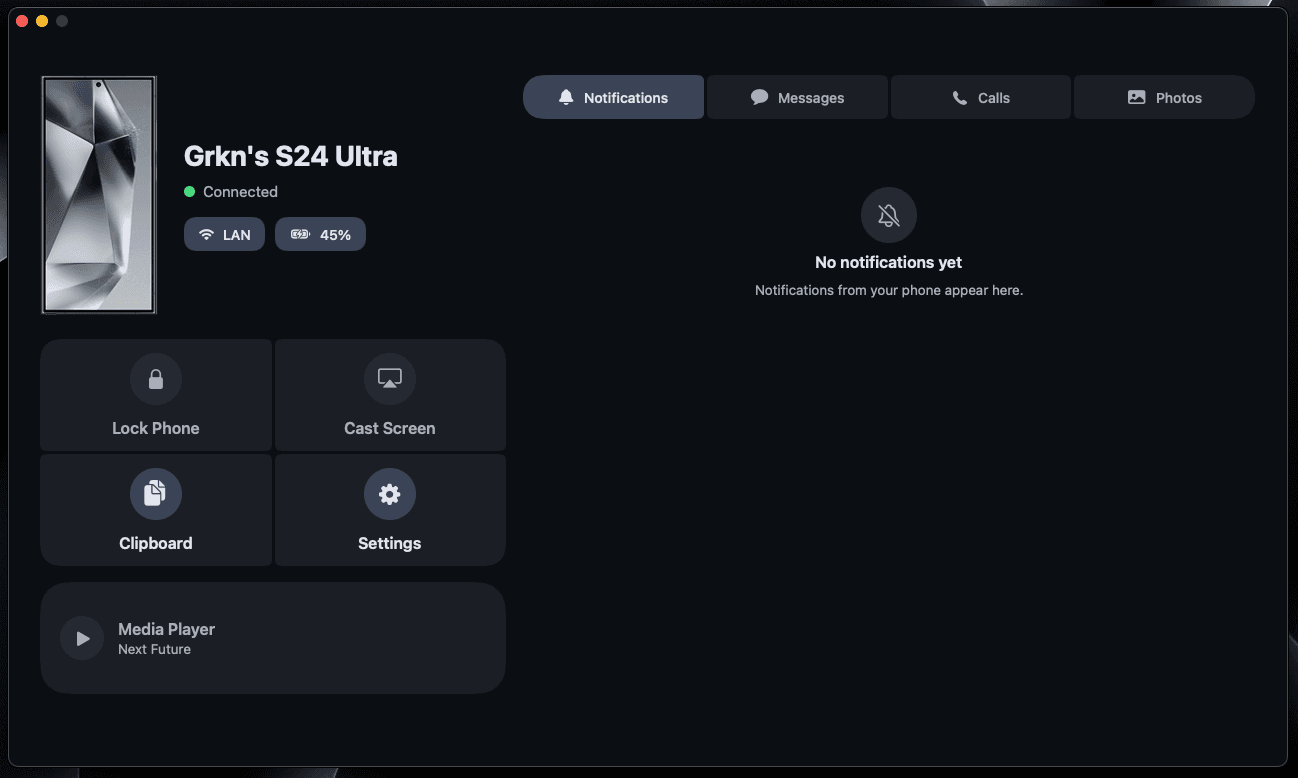
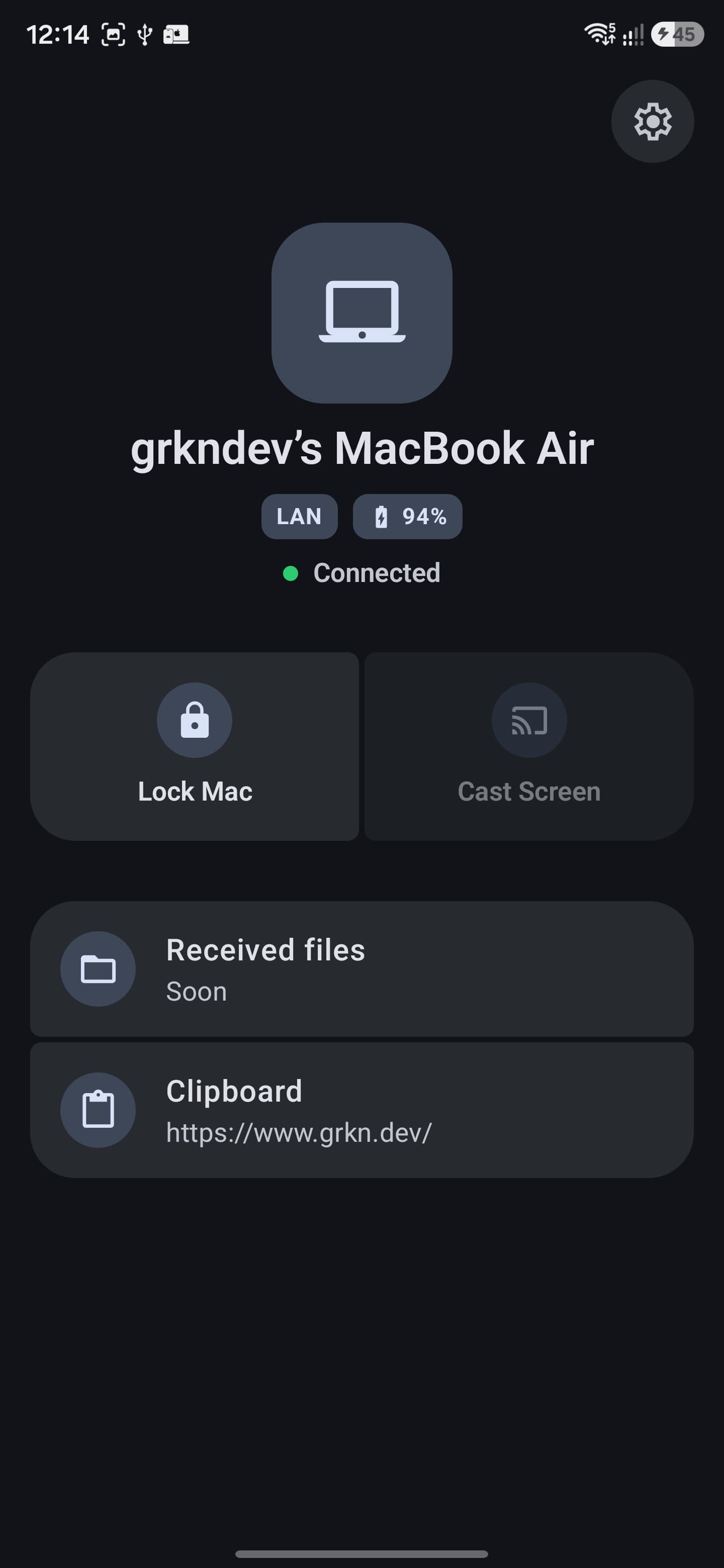
Features
Everything a link should do
Six things, done quietly in the background — on the Home screen of your phone and in the menu bar of your Mac.
Two-way clipboard
Copy on the phone, paste on the Mac — and the other way around. It keeps working even after the app is swiped away.
Lock from your phone
One tap on the Home screen locks your Mac, wherever you are.
Auto-lock when you leave
The Mac watches your phone's Bluetooth beacon and locks itself when the signal fades. No internet needed.
Battery, both ways
Your Mac's charge lives on the phone's Home screen; your phone's battery and name show on the Mac's dashboard, live.
Notification mirroring
Android notifications pop up as native Mac banners and collect in the dashboard — one-way, pausable any time.
Read your messages
SMS threads appear in the Mac's Messages tab so you can read texts without unlocking your phone.
No third party
Three ways to stay connected
The link picks the best path on its own and falls back automatically. None of them belong to anyone but you.
At home: LAN-direct
On the same Wi-Fi the phone connects straight to the Mac — it finds it automatically. No relay, no round trip, no setup.
Away: your own relay
Leave home and it falls back to a tiny WebSocket server you host — routed only by a shared room id. Docker-ready.
Offline: Bluetooth
Proximity auto-lock uses neither. The phone broadcasts a presence beacon; the Mac locks when it fades — fully local.
Private by construction
The relay can’t read a thing
Every clip, command and mirrored message is sealed with ChaCha20-Poly1305 before it leaves the device, keyed by a secret only your phone and your Mac share. The relay just moves opaque bytes between two sockets in a room.
End-to-end encryption with replay protection
Authenticated encryption plus a freshness window, so captured frames can't be replayed at you later.
Pair once, with a QR code
The Mac shows a QR carrying the pairing secret and connection details. Scan it once and both ends configure themselves.
Your server, your rules
The relay is a tiny Node.js WebSocket server with an auth token and rate limiting. Run it with Docker in a minute — or skip it entirely on your Wi-Fi.
// what your Mac sends
{ type: "clip", text: "Meeting at 4" }
// what the relay sees
9f3bax72c41e0d88f2a7b3915c6d4e2f8a1b7c3d5e9f0a2b4c6d8e1f3a5b7c9d0e2f4a6b8c1d3e5f7a9b0c2d4e6f8a
ChaCha20-Poly1305 · keys never leave your devices
Link them tonight
A menu-bar app on the Mac, an app on the phone, one QR code between them. The relay is optional.